Youtube has now become a search engine in our life and people use youtube to search more than google. YouTube offers millions of videos for every interest. However, there are times when you want to save a video for offline viewing without worrying about internet connectivity.
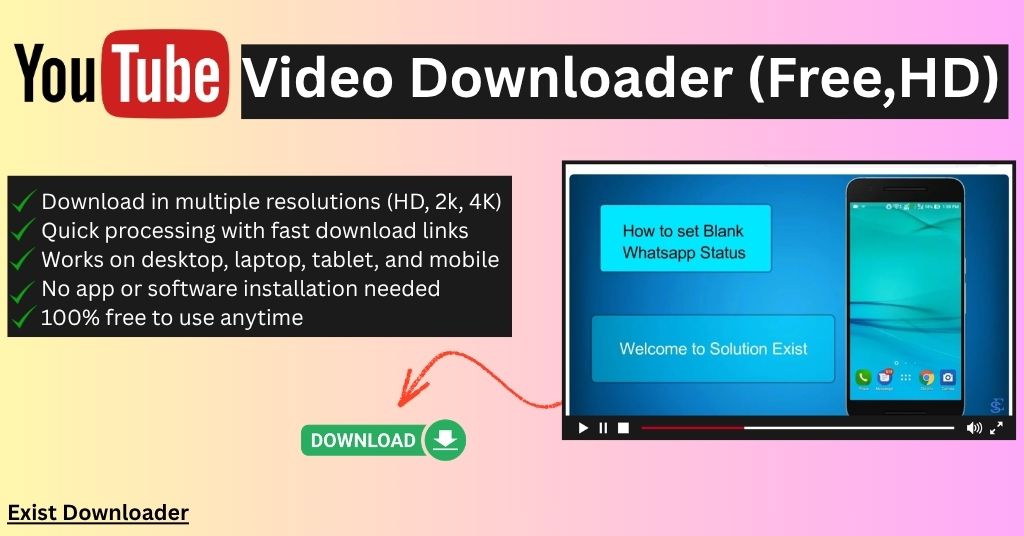
Youtube don’t provide download option what you can use to save videos in your device in high quality and to fix that issue, our YouTube Video Downloader comes into picuture. Our tool had made the process very simple, fast, and completely free. No complicated setup, no software installation, and no technical knowledge required.
What is a YouTube Video Downloader?
A YouTube Video Downloader is an online tool that allows you to download publicly accessible YouTube videos to your device in various video qualities. Instead of streaming every time, you can save videos locally and watch them whenever you want.
How to use YouTube video downloader tool (HD)
Step 1: Open YouTube website or app and click on the share button and then on the copy link of the video you want to save.
Step 2: Now open the YouTube video downloader tool page and paste the link into the input box.
Step 3: Click on the Get download links and the after the processing, you will get different download buttons. Select your preferred quality and save the video to your device.
If you are in search YouTube to WAV Converter & Audio Downloader then do check our tool.
Supported Video Qualities
Available qualities depend on the original video uploaded to YouTube and Common download options include:
- 144p
- 240p
- 360p
- 480p
- 720p HD
- 1080p Full HD (when available)
- Higher resolutions if supported by the source
Frequently Asked Questions
1. Is this YouTube Video Downloader free?
Yes. Our YouTube Video Downloader is completely free to use. Simply paste the YouTube video URL, choose your preferred quality, and download the available video without paying any subscription fee.
2. Can I download YouTube videos in HD quality?
Yes. If the original YouTube video is available in HD, you can download it in supported resolutions such as 720p HD, 1080p Full HD, or other available qualities.
3. Does the YouTube Video Downloader work on mobile phones?
Yes. Our downloader is fully compatible with Android smartphones, iPhones, tablets, laptops, and desktop computers. You only need a modern web browser and an internet connection.
4. Can I download YouTube Shorts using this tool?
For the best experience, we recommend using our dedicated YouTube Shorts Downloader, which is specifically designed for downloading YouTube Shorts quickly and easily.
5. Is there a limit on how many YouTube videos I can download?
Our downloader is designed to provide a smooth and reliable experience. Fair usage limits may apply to ensure consistent performance for all users.
6. Can I download YouTube Members-only videos?
No. Members-only videos are protected content that is only available to users with an active channel membership. Our YouTube Video Downloader only supports publicly accessible YouTube videos.
Supports The Most Popular Sources
You can check the regularly updated supported sources list.